.webp)
Whether you are working with existing installations or have just purchased a new Elpress installation, eCloud is designed to integrate smartly and securely. In this blog, we'll show you how implementation works and how you can benefit from real-time visibility, automatic logging and less audit stress in no time.
Step 1: make the connection
What you need:
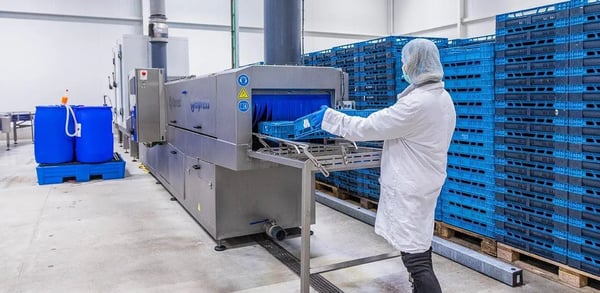
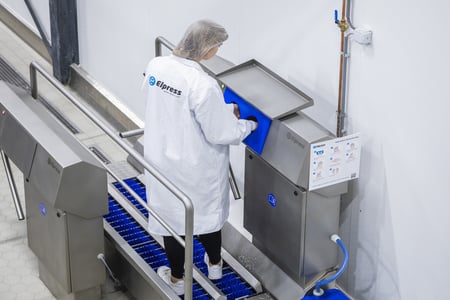
- An Elpress hygienic entrance, cleaning system or washing system;
- An eCloud subscription so we can link the systems to the cloud.
Good to know:
- Existing installations are often suitable sometimes with a small upgrade;
- Your IT team retains control! eCloud can also run separately from your corporate network. We set up eCloud based on your requirements;
- A service engineer from Elpress comes to install eCloud.
Step 2: setting up dashboards and notifications
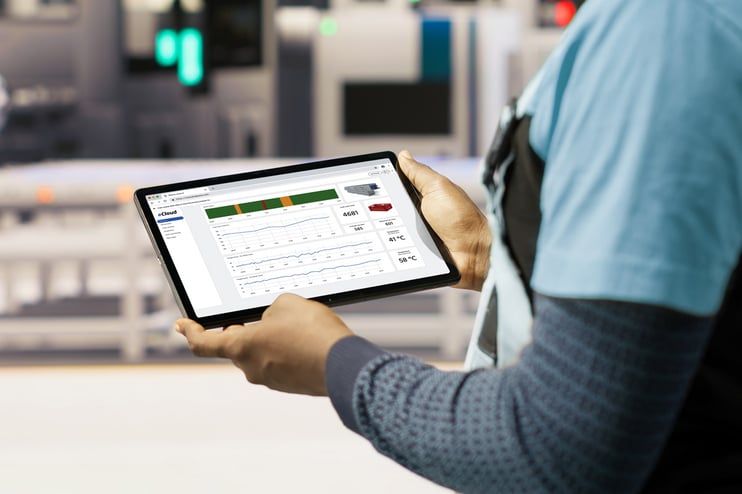
After installation by an Elpress service engineer, your machine is connected to eCloud and real-time data is sent to an online dashboard.
What you get by default:
- 2 dashboards, tailored to your system type. Expansion is possible;
- Real-time status, notifications and consumption data;
- Push notifications or email alerts in case of deviations.
Example: You monitor your cleaning systems with eCloud and you want any deviation in chemical dosage to immediately send a notification to your quality department. This is easy to set up in eCloud via the notification rules.
Working with automatic data logging
All data is stored automatically and is exportable in reports for audits or internal use. Examples include:
- Water and chemical consumption
- Machine performance and failures
- Deviations from standard values
You never have to manually collect data for an audit again. With just a few clicks, you generate a complete overview. This saves time and increases reliability.
Support and service
When you purchase eCloud, you can take advantage of additional support:
- Quick help from Elpress for technical questions or reports
- Advice on dashboard optimization
For systems with a service contract Elpress will, if desired, proactively monitor performance and deviations. This prevents downtime and extends the life of your machines.
What does eCloud cost?
- eCloud works on a subscription basis;
- The price depends on the number of systems and the desired dashboards;
- A standard subscription includes 2 dashboards;
- More dashboards or customization is possible at additional cost.
Also curious how easy it works?
Schedule a no-obligation consultation with one of our specialists and discover what eCloud means for your organization.